
Avoid Costly Mistakes: File Setup Checklist for Custom Drawer Box Packaging
In custom packaging production, file errors are one of the most common causes of delays, reprints, and unexpected costs. For brands sourcing rigid or sliding packaging, especially drawer-style boxes, precision in custom drawer box file setup directly impacts both visual quality and production efficiency.
This guide synthesizes industry best practices from leading packaging standards and combines them with real manufacturing insights from DHP Factory to help you reduce risk and accelerate approvals.
Contents
- 1. Why File Setup Errors Are Expensive
- 2. Key Standards from Industry Packaging Guidelines
- 3. Manufacturer-Level File Audit Checklist
- 4. Drawer Box–Specific Setup Risks
- 5. Common Mistakes That Lead to Rework
- 6. How to Validate Your Files Before Production
- 7. Work with an Experienced Packaging Manufacturer
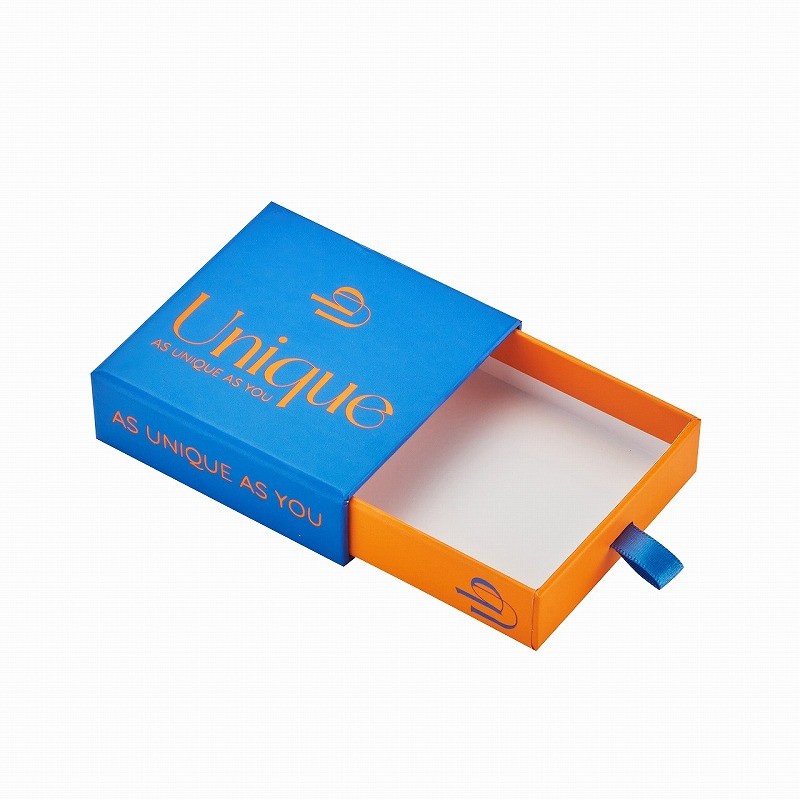
custom drawer box structure overview
1. Why File Setup Errors Are Expensive
Packaging file issues rarely show up on screen—but they become very visible after printing and die-cutting. According to industry guidelines, incorrect file preparation can lead to color inconsistencies, misaligned panels, and trimming defects.
More importantly, these errors often result in:
- Production delays due to file revisions
- Material waste and reprinting costs
- Brand inconsistency across batches
For drawer boxes, where inner trays and outer sleeves must align perfectly, even small inaccuracies can compromise usability.
2. Key Standards from Industry Packaging Guidelines
Across multiple packaging manufacturers, several consistent technical requirements define a “print-ready” file:
- CMYK color mode: Ensures accurate color output during printing
- Minimum 300 DPI resolution: Maintains sharp graphics and text/li>
- Bleed extension (typically 3mm): Prevents white edges after trimming
- Outlined fonts and embedded images: Avoids missing assets
- Accurate dieline usage: Aligns artwork with structure
These standards are not arbitrary—they reflect how printing presses and die-cutting machinery operate in real production environments.
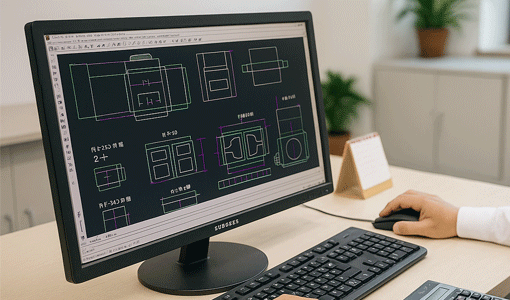
3. Manufacturer-Level File Audit Checklist
Before production begins, professional factories conduct a prepress audit. At DHP Factory, this review focuses on three critical layers:
1. Structural Accuracy
- Dieline matches final box dimensions
- Fold lines, glue areas, and panels are correctly aligned
- No modifications to original template
2. Print Readiness
- Artwork extends to bleed lines
- Text remains within safe zones
- All images meet resolution standards
3. Technical File Setup
- Fonts converted to outlines
- Images embedded
- Separate layers for dieline and finishes
This type of structured validation ensures the file transitions smoothly from design to production without costly revisions.
4. Drawer Box–Specific Setup Risks
Custom drawer boxes introduce additional complexity compared to folding cartons. Their sliding mechanism and rigid construction require stricter alignment control.
- Inner vs outer alignment: Graphics must align across tray and sleeve
- Wrap coverage: Rigid boxes require extended bleed for wrapping materials
- Orientation accuracy: Incorrect artwork direction can affect opening experience
These structural considerations make precision in file setup even more critical for premium packaging.
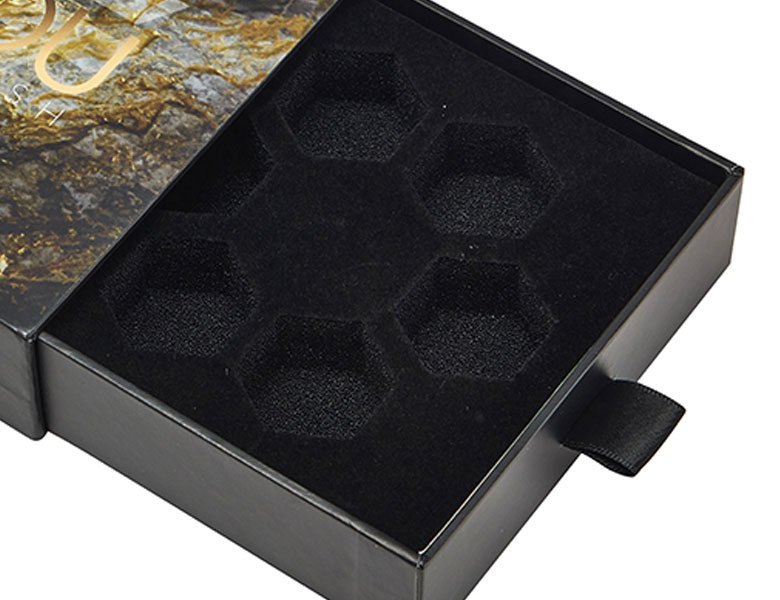
drawer box inner tray and outer sleeve alignment
5. Common Mistakes That Lead to Rework
Based on industry guidelines and production experience, the most frequent errors include:
- Submitting RGB files instead of CMYK
- Missing or insufficient bleed
- Placing text too close to cut or fold lines
- Using low-resolution images
- Failing to outline fonts
- Incorrect dieline usage or scaling
Even minor deviations can result in visible defects after cutting and folding, especially in high-end packaging applications.
6. How to Validate Your Files Before Production
To minimize risk, experienced buyers and designers follow a validation workflow before submitting files:
- Create a 1:1 printed mockup and test folding
- Review alignment across all panels
- Confirm bleed coverage visually
- Run preflight checks in design software
This step acts as a final safeguard before manufacturing begins.
7. Work with an Experienced Packaging Manufacturer
While guidelines are essential, working with a professional manufacturer adds another layer of quality assurance. At DHP Factory, every project includes file verification, dieline support, and production consultation to ensure accuracy from the start.
If you're developing premium packaging such as custom drawer boxes, collaborating early with a supplier can significantly reduce revisions and speed up production timelines.
For more technical guidance, you can also explore our internal resources on packaging artwork setup and structural design optimization.
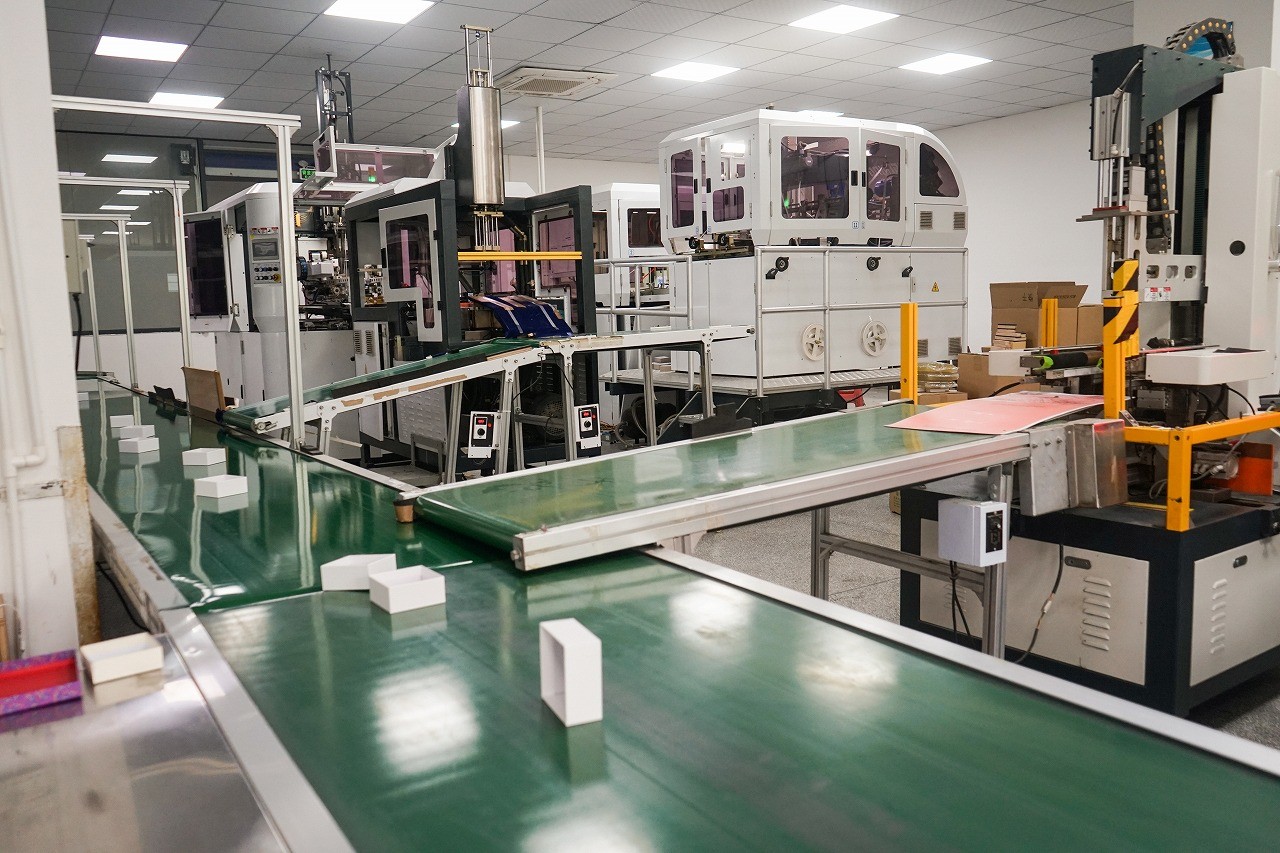
packaging production process and quality inspection
Final Thoughts
Effective packaging production starts long before printing—it begins with accurate file setup. By following a structured checklist and understanding how manufacturers evaluate artwork, you can avoid unnecessary costs and ensure your custom drawer boxes meet both aesthetic and functional expectations.
